


Introducing… Bloomberg Spreadsheet Analysis (BSA)
27/11/2025

Want to take your Bloomberg data skills in Microsoft Excel to the next level? The new Bloomberg Spreadsheet Analysis (BSA) certification is designed to help you do just that.
Created by Bloomberg, BSA is an interactive, self-paced e-learning course delivered through the Bloomberg terminal. You will be taught the fundamentals of Bloomberg Query Language (BQL) and its use in Excel. Through interactive modules and realistic investment scenarios with the fictional firm Summit Capital, learners practice retrieving, filtering, and analysing macroeconomic, equity, and fixed-income data. The course aims to develop practical skills in investment screening, peer comparison, sustainability analysis, and liquidity evaluation, emphasising both technical and strategic proficiency.
Course Content
BSA is split into 4 practical, topic-based modules that take you step-by-step through the process of building and enhancing Excel models using Bloomberg data.
- Introduction – learn the fundamentals of Bloomberg Query Language (BQL), including core syntax, functions and query structure
- BQL for macro – learn to use BQL in Excel to analyse macroeconomic indicators (like GDP and inflation) by building queries that retrieve trends, track events and uncover economic surprises
- BQL for equities – learn to apply BQL to filter equities, analyse historical and forecasted performance, assess dividend sustainability, and identify undervalued and high-growth stocks across sectors
- BQL for fixed income – learn how to use BQL to screen and analyse fixed-income securities, assess credit risk, evaluate borrowing conditions, and identify refinancing opportunities across industries and issuers
Each module takes approximately 90 minutes to complete (so the course is 6 hours in total), making it an achievable skill-building activity to fit into your study schedule.
Why take BSA?
If you plan to use Bloomberg for your thesis, quantitative assignments, or investment analysis, BSA will help you to:
- Become proficient in Bloomberg Query Language, a powerful syntax, developed to work with Python
- Save time when sourcing data for your spreadsheets
- Reduce the amount of data you need to download so you don’t trigger the data download limits
- Understand the full range of Bloomberg Excel functions available
- Build a strong foundation for advanced financial research with Bloomberg data
- Add a valuable skill and certification to your CV or LinkedIn profile
Certification
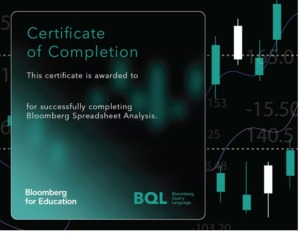
After successfully completing the BSA modules, you’ll receive a downloadable certificate of completion from Bloomberg. You can showcase this on your CV, LinkedIn, or professional portfolio.
How to get started
(If you don’t have a Bloomberg account already, you will need to create one. Follow this link for more information: Creating your account on Bloomberg)
-
Log in to a Bloomberg Terminal.
-
Type BCER <GO> to open the Bloomberg for Education Certification menu.
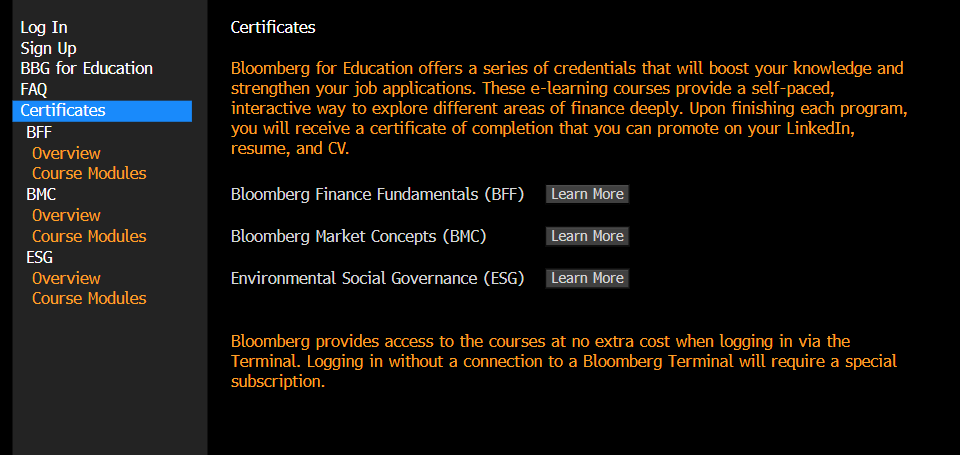
3. Sign up (in the left-hand menu) for a Bloomberg e-learning account, if you haven’t already
4. Log In (in the left-hand menu) and choose ‘Log In’ under Bloomberg Terminal Users
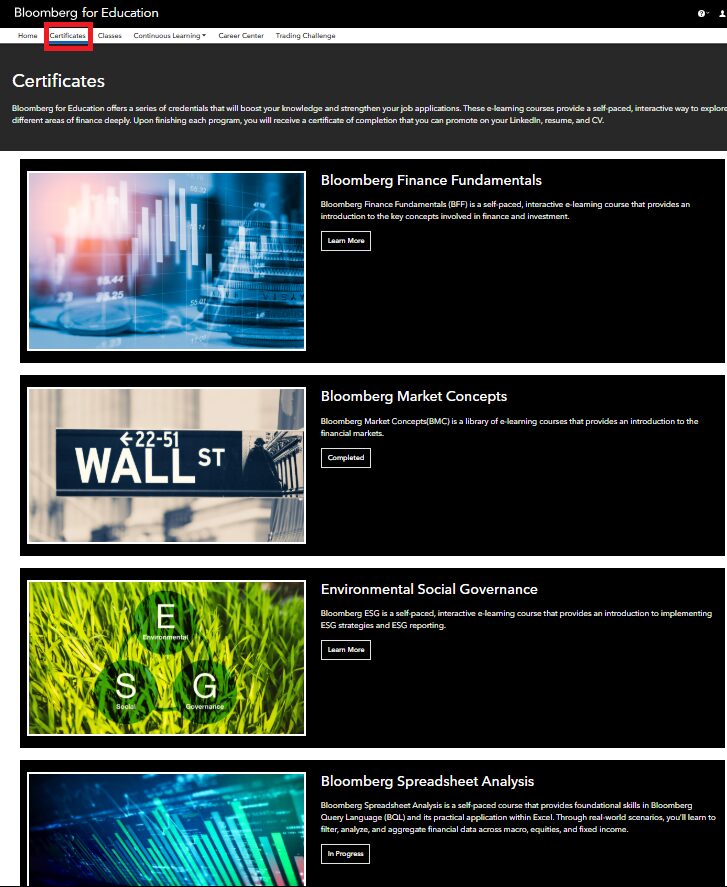
5. The Bloomberg for Education webpage will open. Choose Certificates, then Bloomberg Spreadsheet Analysis
6. Bring your own headphones (videos and guided exercises are included). Bluetooth headset users should also bring their dongle. You can borrow headphones from the library Welcome Desk if required.
Booking a Bloomberg Terminal
Remember to book your Bloomberg Terminal session in advance via our library webpages.
If you have any questions about BSA or the BCER, please contact the Library.

Categories & Tags:
Leave a comment on this post:
You might also like…

Library services over Easter, 3-6 April
Kings Norton Library will remain open for study 24/7. You will need your University ID card to enter the building and can use the self-service machines to borrow and return items as usual. Barrington Library ...

How do I access the full-text of Harvard Business Review (HBR)?
This is a frequently asked question, and it's worth knowing how to access this key management journal. So, how do you access HBR in full-text? The short answer is via our eJournals finder. You can find ...

Engineering problem to solve? Let Knovel help you find a solution
Did you know that Knovel provides you with more than just eBooks? Knovel is a key database for many engineering, mechanical and materials courses here at Cranfield University, and contains content from an extensive range ...
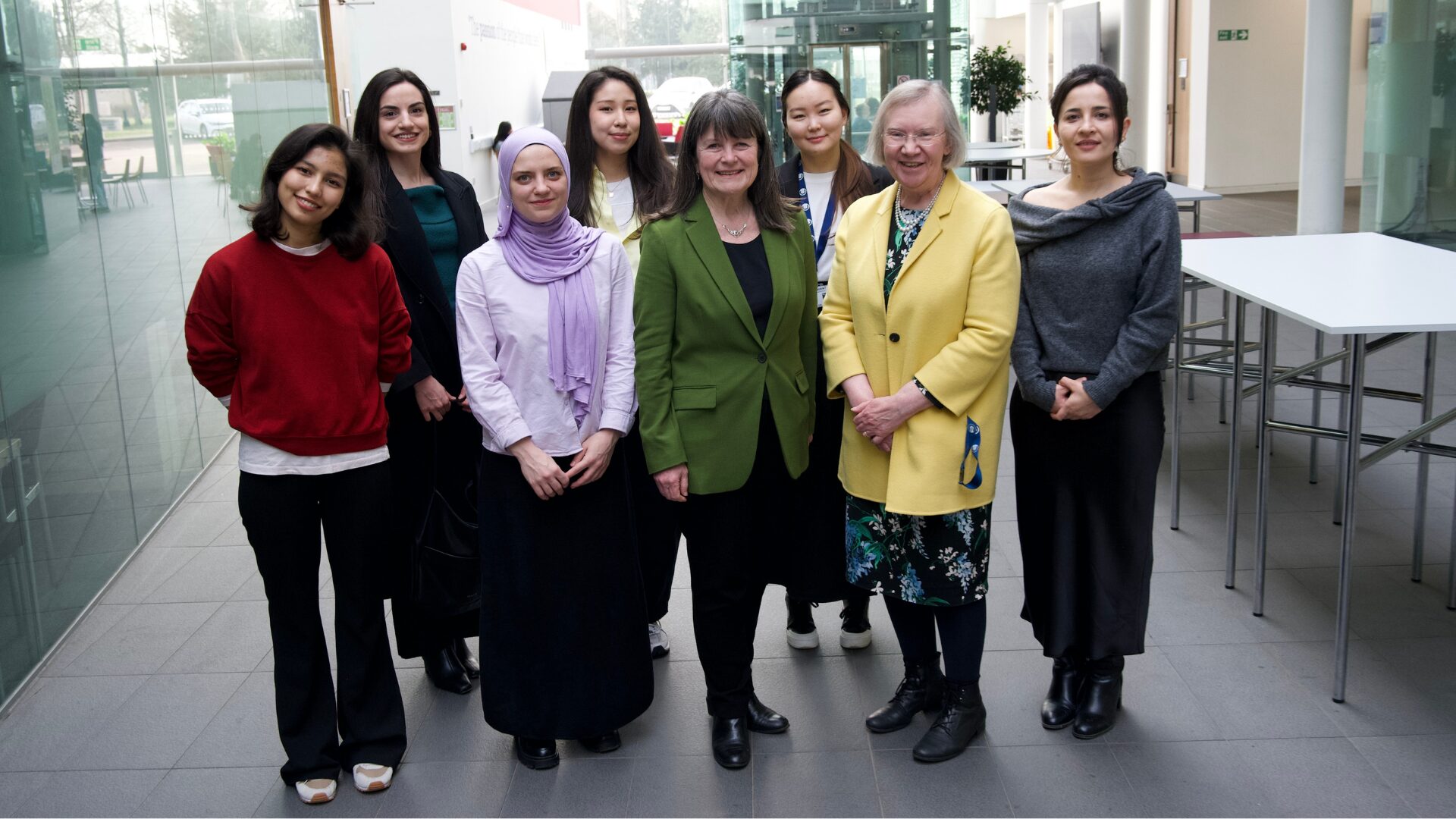
What happens when female scholars meet influential leaders?
On the 5 March 2026, our British Council Women in STEM Scholars had the privilege of sitting down with two excellent role models of industry and academia: Professor Dame Karen Holford, ...

From MSc to CEO: Igniting a research revolution
For many, a master’s degree is achieving a big milestone. Kilyan Ocampo, Computational Fluid Dynamics alumni shares how studying at Cranfield helped launch his career in the energy sector. Today, Kilyan ...

Commuting, collaborating and growing: My first term experience at Cranfield
My first term at Cranfield University has been an extremely positive and rewarding experience. While the course has been intense at times, it has pushed me in the best possible way and allowed me ...
Comments are closed.