


Finding consumer information in Passport
04/04/2024

So, you’re researching the Mexican consumer market. You’ll want to really understand what Mexican people are thinking and how they are living. One of the best places to look is Passport’s Consumer information, and its Consumer Lifestyles Reports are a great place to start….
Want to know how to find these Lifestyle Reports?
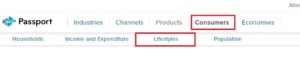
Start at the Passport homepage. Click on ‘Consumers’ near the top of the screen, then click on ‘Lifestyles’ from the sub-menu that has appeared.
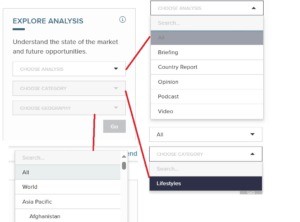
You now have some dropdown menus on the left of the screen in the ‘Explore Analysis’ box.
- In the ‘Choose Analysis’ dropdown box, pick All.
- In the ‘Choose Category’ dropdown menu pick ‘Lifestyles’
- In the ‘Choose Geography’ dropdown menu you can either search for Mexico in the search box then pick it off the list, or scroll down the list – Mexico will be under Latin America – and pick it.
- Click ‘Go’.
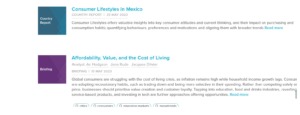
You’ve got a list of reports. Scroll down to find, and click on, ‘Consumer Lifestyles in Mexico’ report.
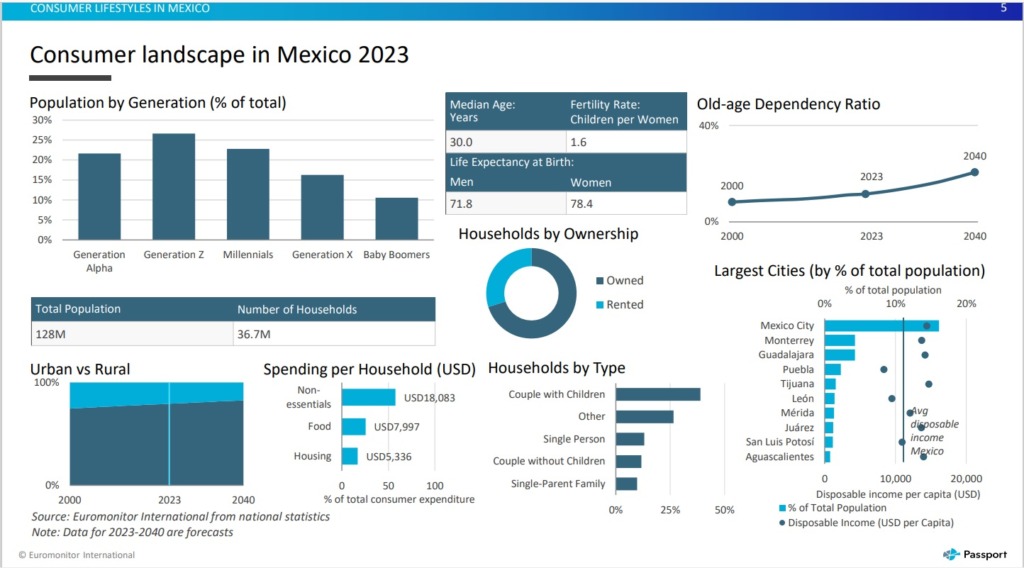
Generally published on an annual basis, Consumer Lifestyles reports start off with the latest Consumer Landscape datagraphic and move on to report on the following key areas:
- Personal traits and values
- Home life and leisure time
- Eating and dietary habits
- Working life
- Health and wellness
- Shopping and spending
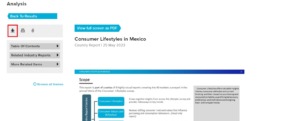
You can view the report on screen, or download it as a PDF or Powerpoint. You can also choose to print it.
Do you need consumer income and expenditure information too?
Passport can help with this as well! Using Passport, you can explore how spending on consumer goods and services varies across households’ income levels.
Start in the same place by clicking on ‘Consumers’ in the top menu. This time click on ‘Income and Expenditure’.
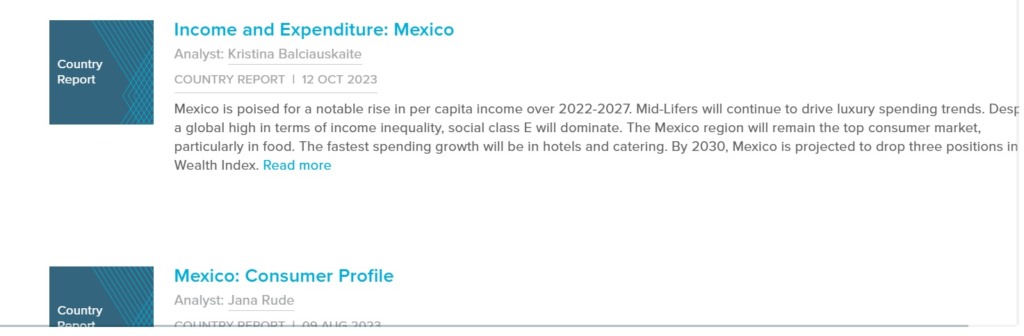
You will see the dropdown menus again. Instructions remain the same except pick ‘Income and Expenditure’ from the ‘Choose Category’ menu. Now you have a list of reports, click on ‘Income and Expenditure: Mexico’ report.
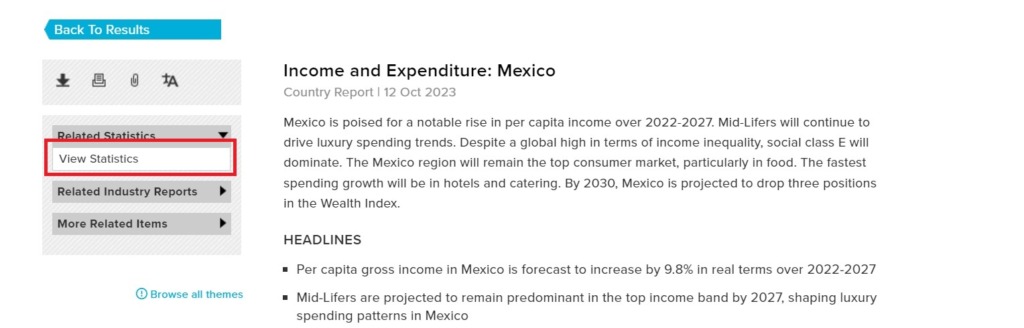
For this report, you can also view income and expenditure statistics – just choose ‘view statistics’ from the menu on the left.
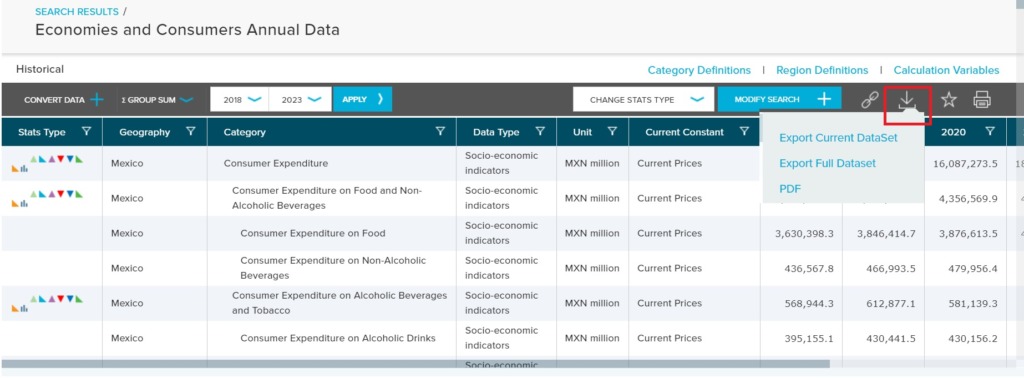
You can make a number of changes to the statistics being shown, including changes to currency, date range, and type of statistics. You can download these statistics to PDF or export them to Excel.
What about population data?
Yes, you’ve guessed it, Passport has that too! This time, once you’ve clicked on ‘Consumers’ in the top menu, you need to click on ‘Population’.
Again you will see the dropdown menus on the left and, again, the instructions remain the same with the only change being to pick ‘Population’ from the ‘Choose Category’ menu.
You may not see a report with population in the title, but a ‘Consumer Profile’ report will include population information.
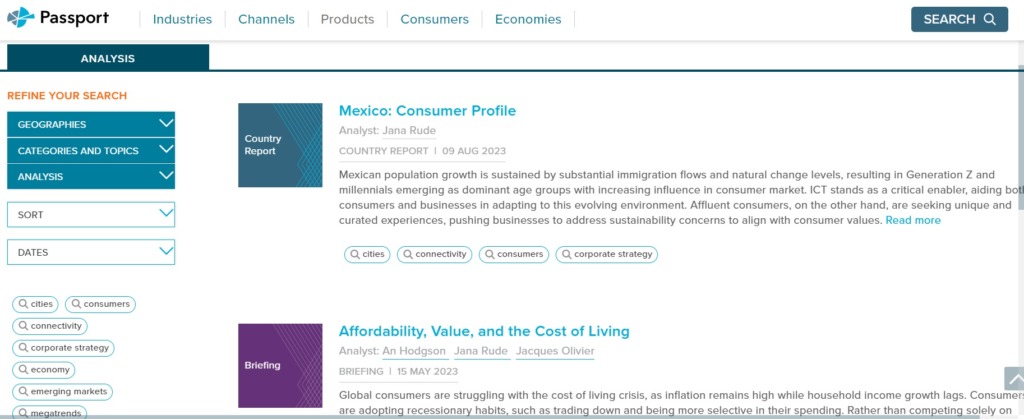
It may also have some statistical data, which can be chosen from the menu on the left. You will be able to change some aspects of the data that you see and download it to excel, if that’s what you require.
Passport is a market research database which provides detailed data and analysis on industries and consumers, across 1200 cities, 210 countries. It uses advanced analytics and data science to identify and measure the effect of disruption to the economy, industries, costs and prices.
Passport is our main source of consumer information, but other sources include Mintel and Statista
If you have any questions about Passport, then please contact the Library.

Categories & Tags:
Leave a comment on this post:
You might also like…

Mendeley: a powerful tool to organise and manage your references
Are you looking for a way to manage your references, create in-text citations and reference lists for your assignments or thesis? If so, you may wish to consider using Mendeley. What is it? Mendeley is ...

Keen to develop your study skills?
Alongside the technical skills and academic knowledge that you will gain on your course, as a Cranfield student you have the opportunity to develop a range of other skills that can enhance your learning experience. ...

The V-conomy: powering the sixth wave of global economic growth
The world could be on the verge of a major surge in economic growth and development, driven by the convergence of AI and clean energy technology. Waiting to ride the K-wave The Russian ...

Need help using the Python programming language?
We know some of our students are currently trying to learn Python, so we wanted to make you aware of some great LinkedIn Learning videos that can help. But don't you have to pay for ...

What does it really take to become a Chevening Scholar?
Say “Turkmenistan” to most people and you’ll get a blank look. That was true when I left Ashgabat for the UK to study an MSc in Logistics and Supply Chain Management at Cranfield University ...

Get a head start on referencing and plagiarism
We offer a module on Referencing And Avoiding Plagiarism which you can find on your Canvas dashboard. It explains the role and importance of citing references and how to incorporate the work of other authors ...
Comments are closed.